
Sunset Glow Gorpcore
 DaVinci Resolve
What you get
CHF 67- The DaVinci Resolve timeline with all edits.
- All 5 individual grades.
- The exact HDR settings for highest quality social media uploads.
- The Base Signature LUT used in the edit (sold for $19).
- All watermarked source files.
- The DaVinci HDR Nodetree I use as the base for all my HDR grades (sold for $47).
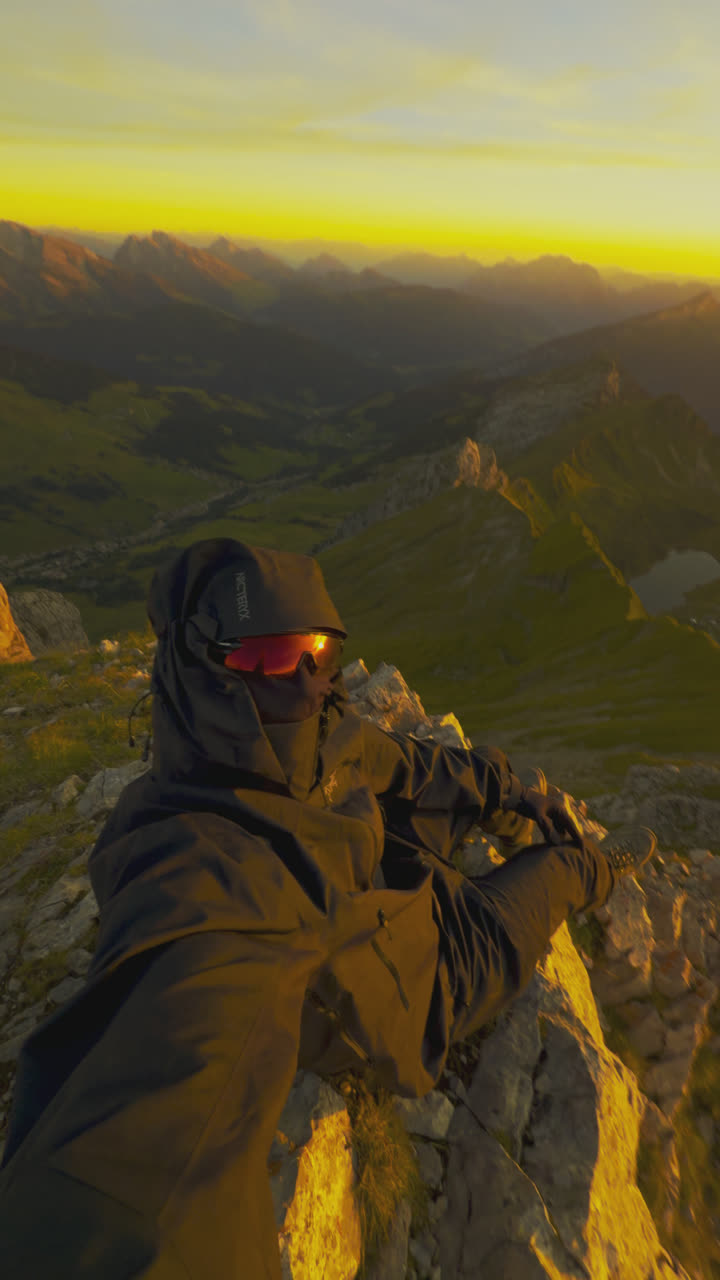
Most clips were shot on an iPhone 15/16 Pro in Apple Log.
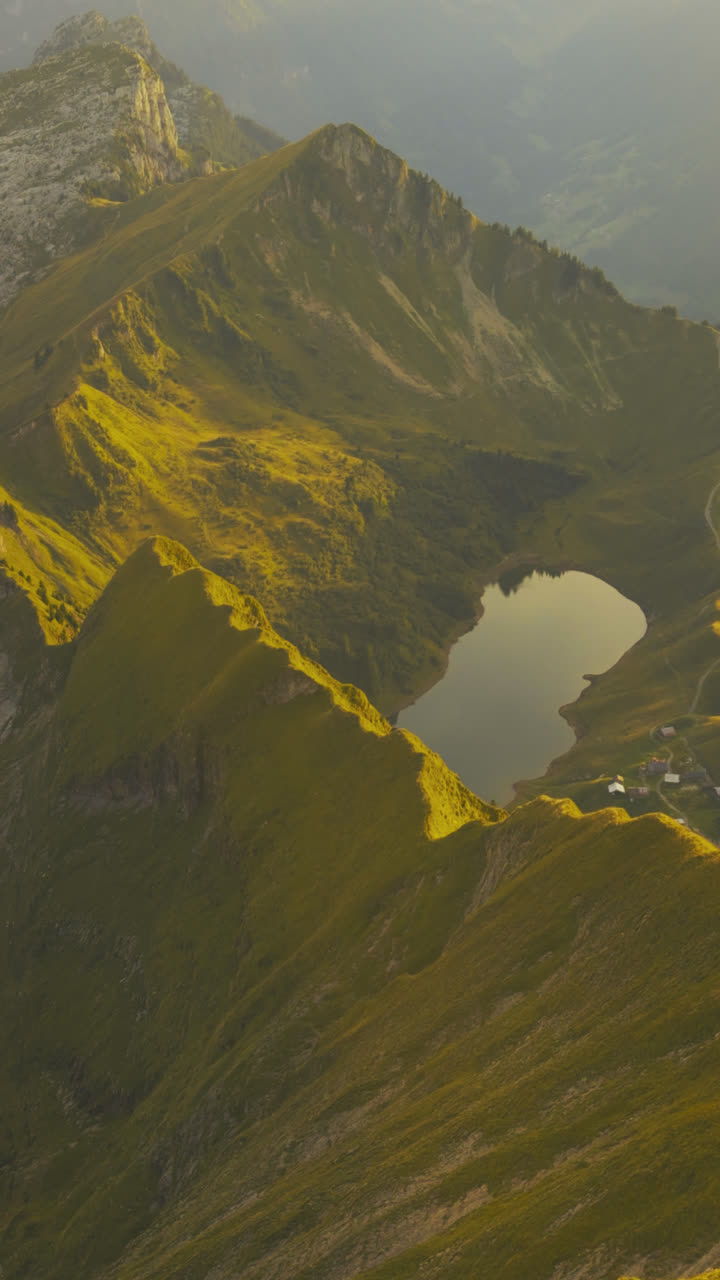
The edit, clip by clip
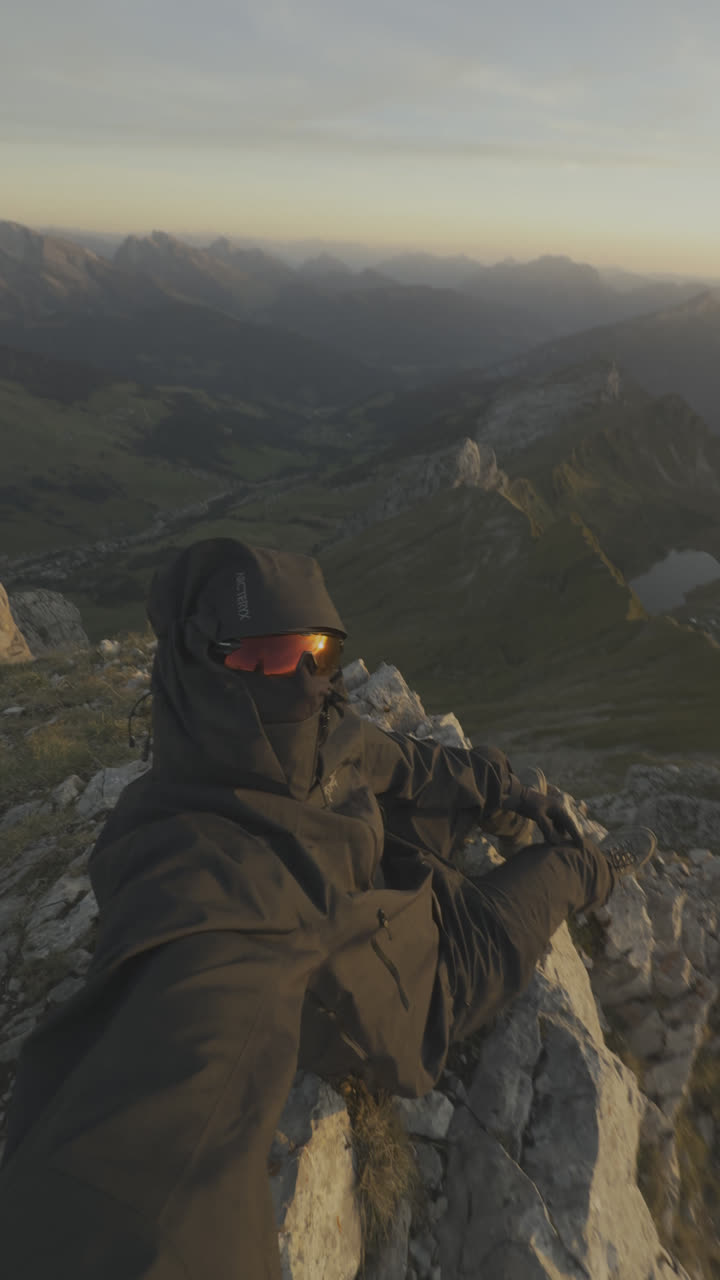
 Before
After
1/5
Before
After
1/5
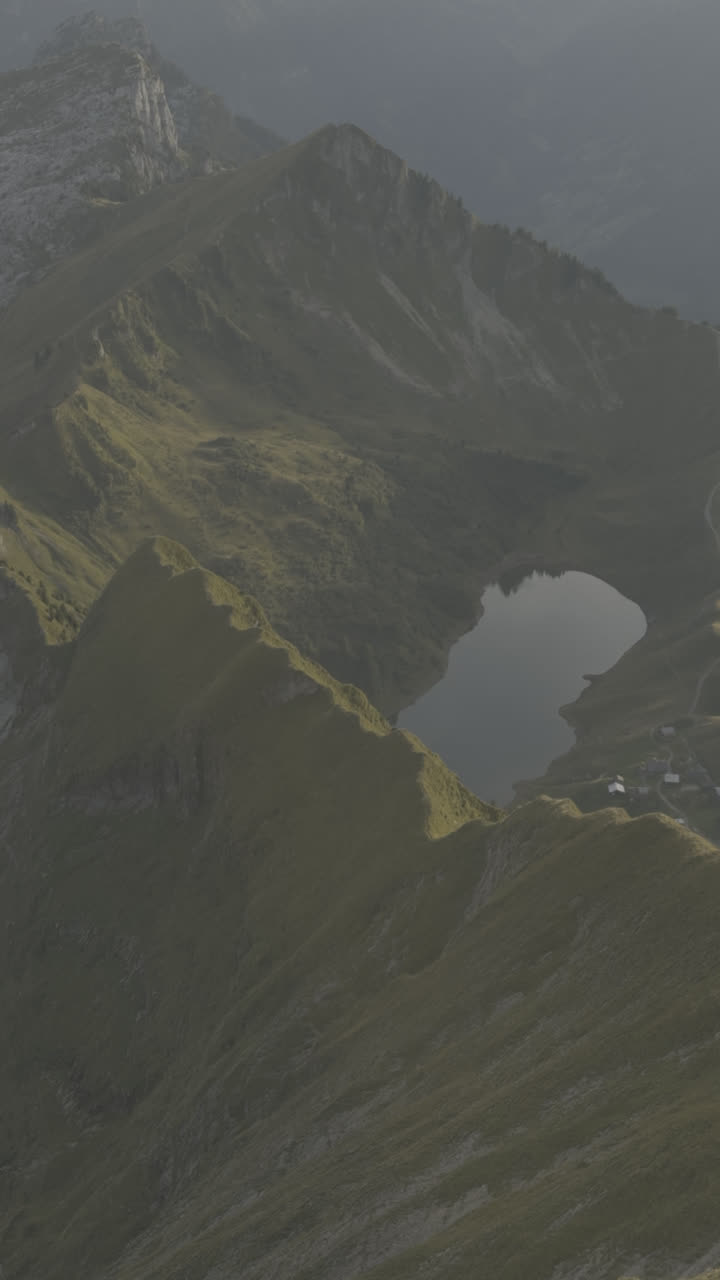
 Before
After
2/5
Before
After
2/5
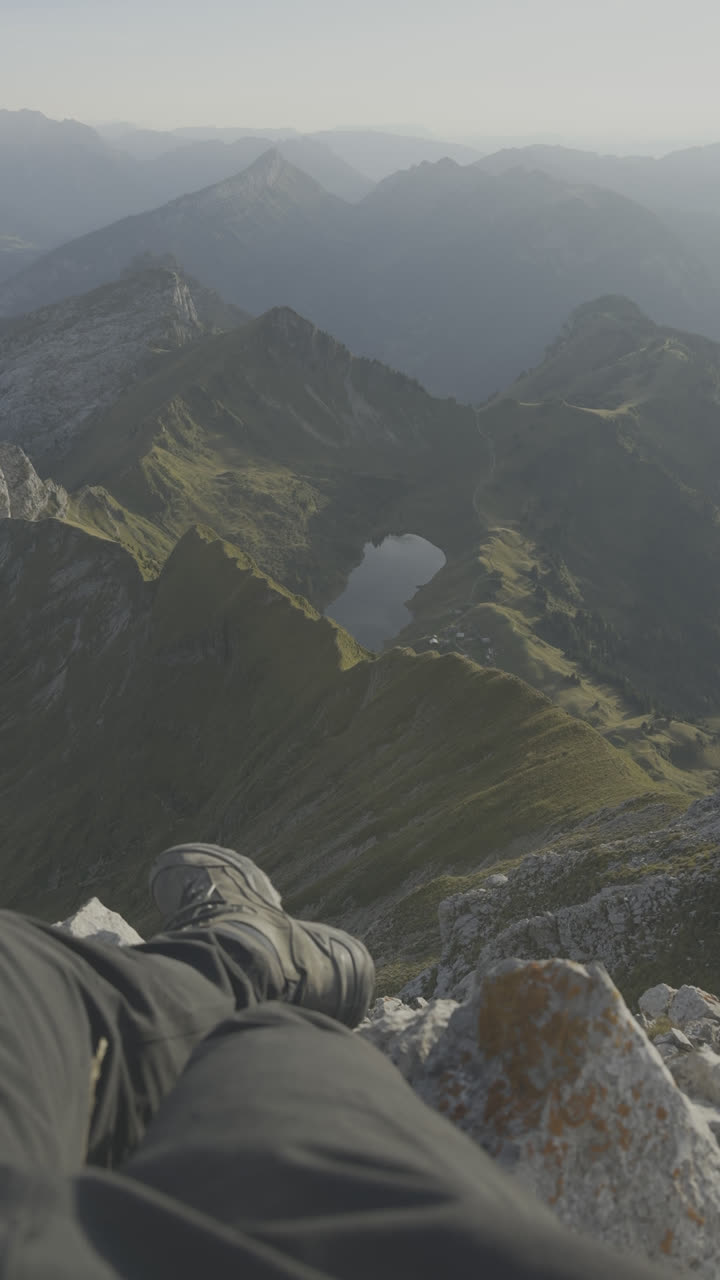
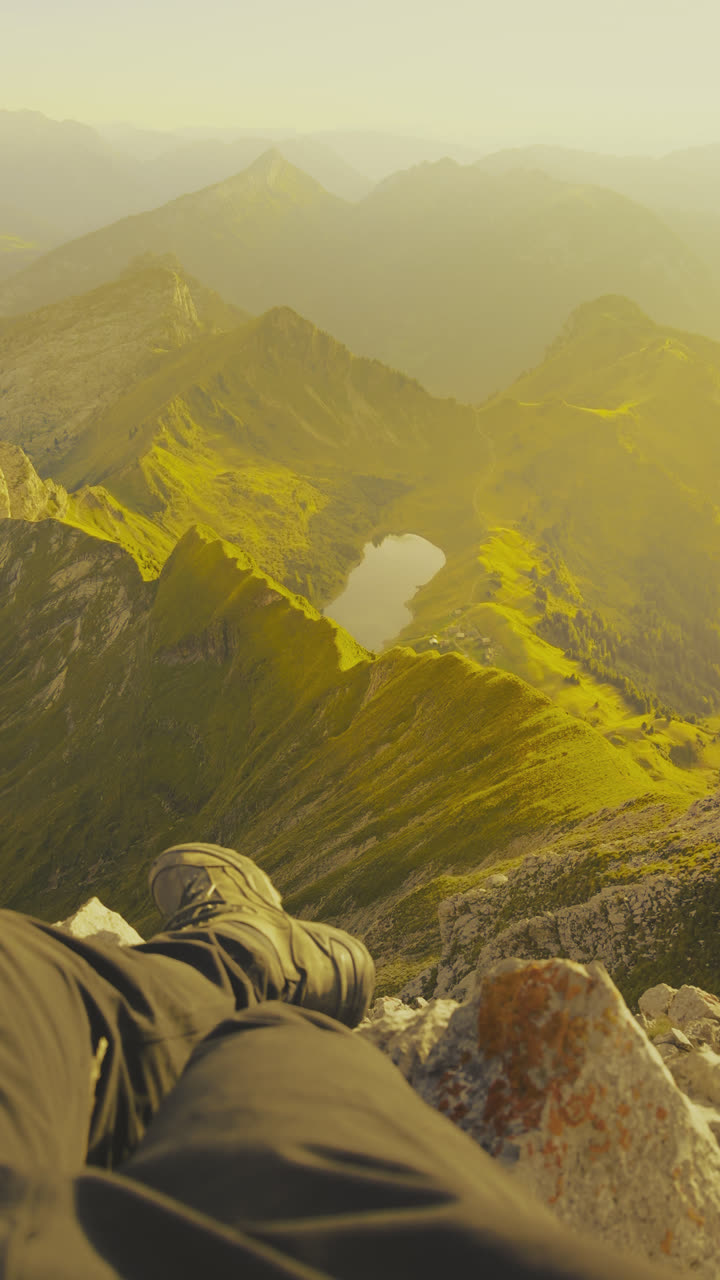 Before
After
3/5
Before
After
3/5
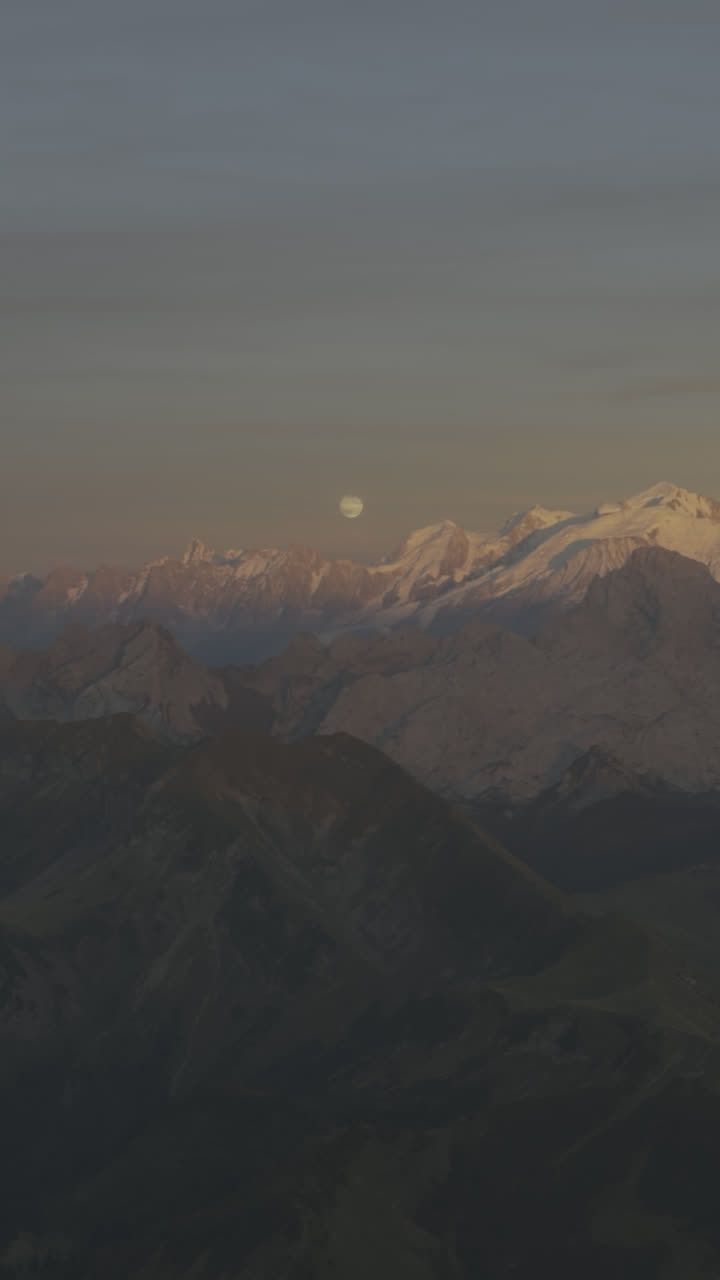
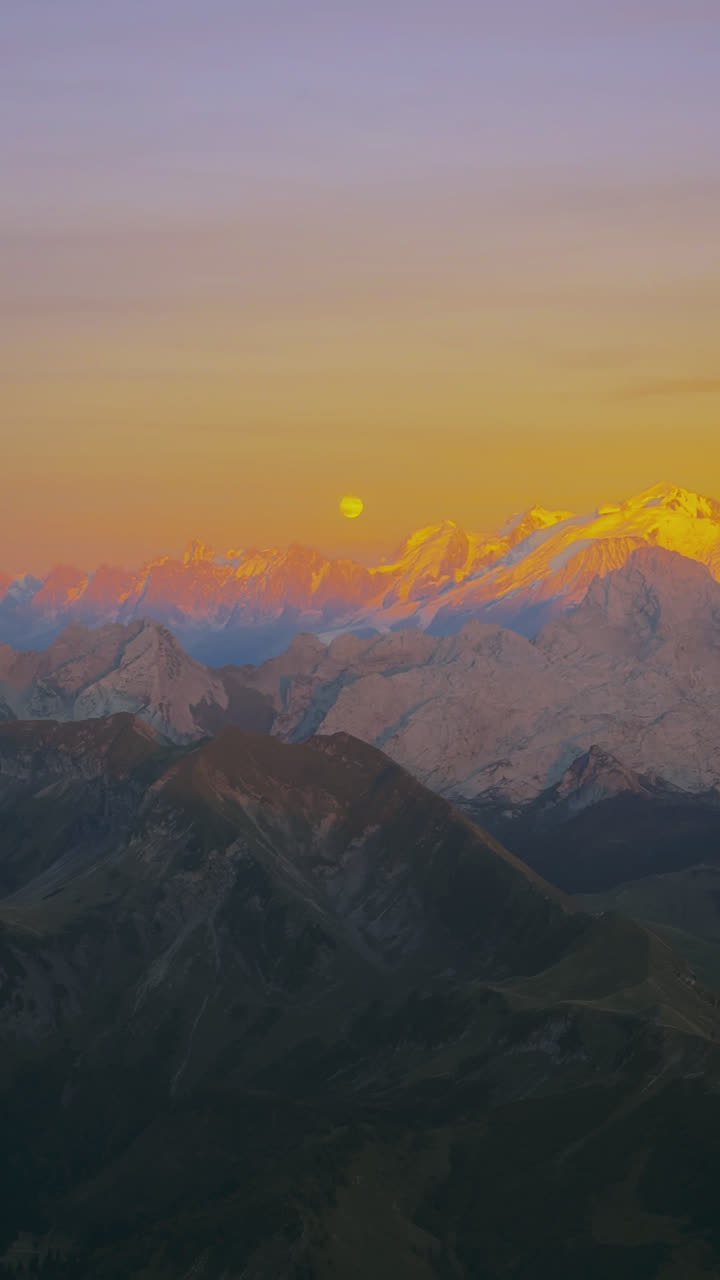 Before
After
4/5
Before
After
4/5
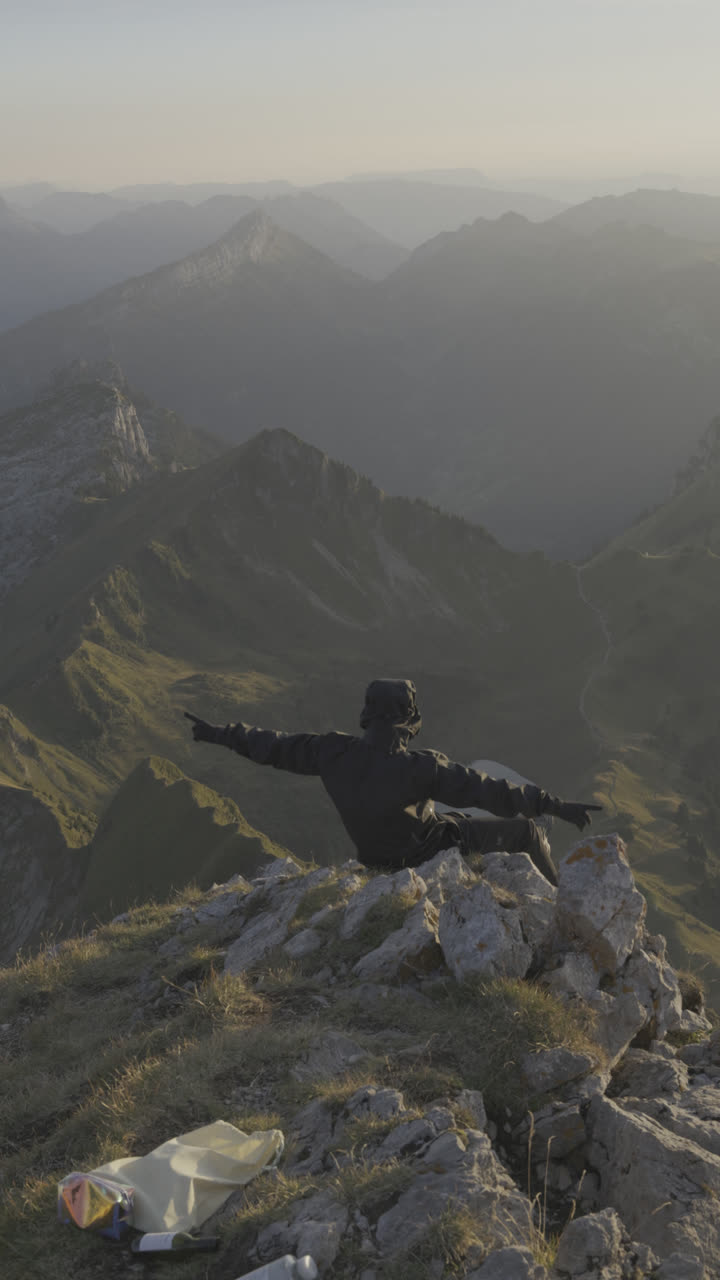
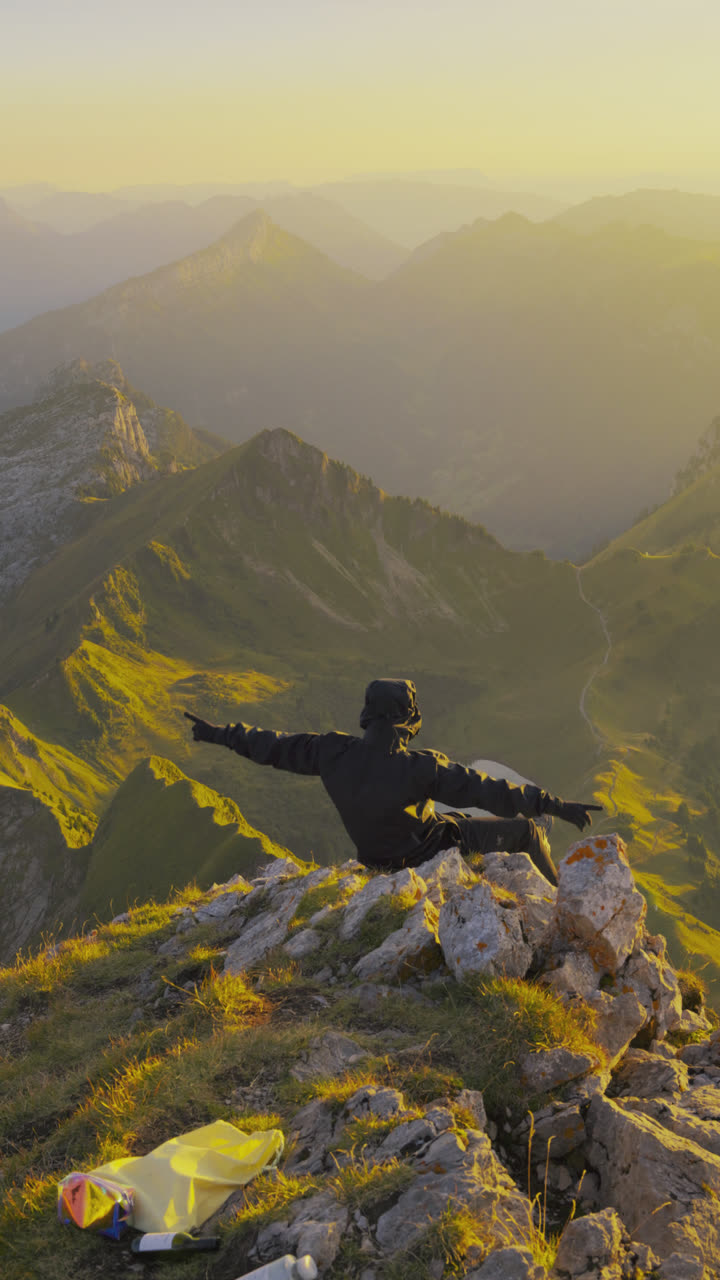 Before
After
5/5
Before
After
5/5
What you need
- A Mac or Windows computer (doesn't work on phones)
- DaVinci Resolve (free) or DaVinci Resolve StudioThis edit uses the Dehaze effect, which is limited to the Studio version.
- Best results with a phone or camera that can shoot in Log

Questions
What is SDR / HDR?
The way your content is displayed on social media. SDR looks consistent across devices, HDR pushes the brighter, more vibrant colors. The two need very different workflows and settings. HDR is hard to fine-tune so the clips look the same in your editing timeline, on your phone and on social media, it took me dozens of hours to get right. And for editing HDR you want an HDR-capable monitor, a MacBook Pro for example, otherwise you have a hard time.
Is this video really HDR?
Yes. On an HDR screen (iPhone, recent Macs) the browser plays the true HLG file and the highlights get the extra brightness. On screens without HDR you see the SDR version of the same edit.
Do I need the paid version of DaVinci?
The project opens in the free DaVinci Resolve too, but this edit uses the Dehaze effect, which is limited to the Studio version. Everything else works without it.
How do I get the files?
Right after payment you land on your download page, and the same link goes to your email. It has the project file with all source clips, the Base LUT, my HDR Nodetree and my HDR settings guide.
Will this work with my own footage?
Yes, that's the point. Study the edit on my clips, then swap in your own. Best results come from a phone or camera that shoots Log, but the grades and settings apply either way.
Can I post the source clips?
No. The source files are watermarked and there for learning inside the project. The grades, LUT and settings are yours to use on your own footage.