HDR Nodetree
CHF 47.00
HDR
 DaVinci Resolve
DaVinci Resolve
- My HDR Node Tree, adjusted for 9 color profiles
- The exact settings you need for HDR Instagram uploads
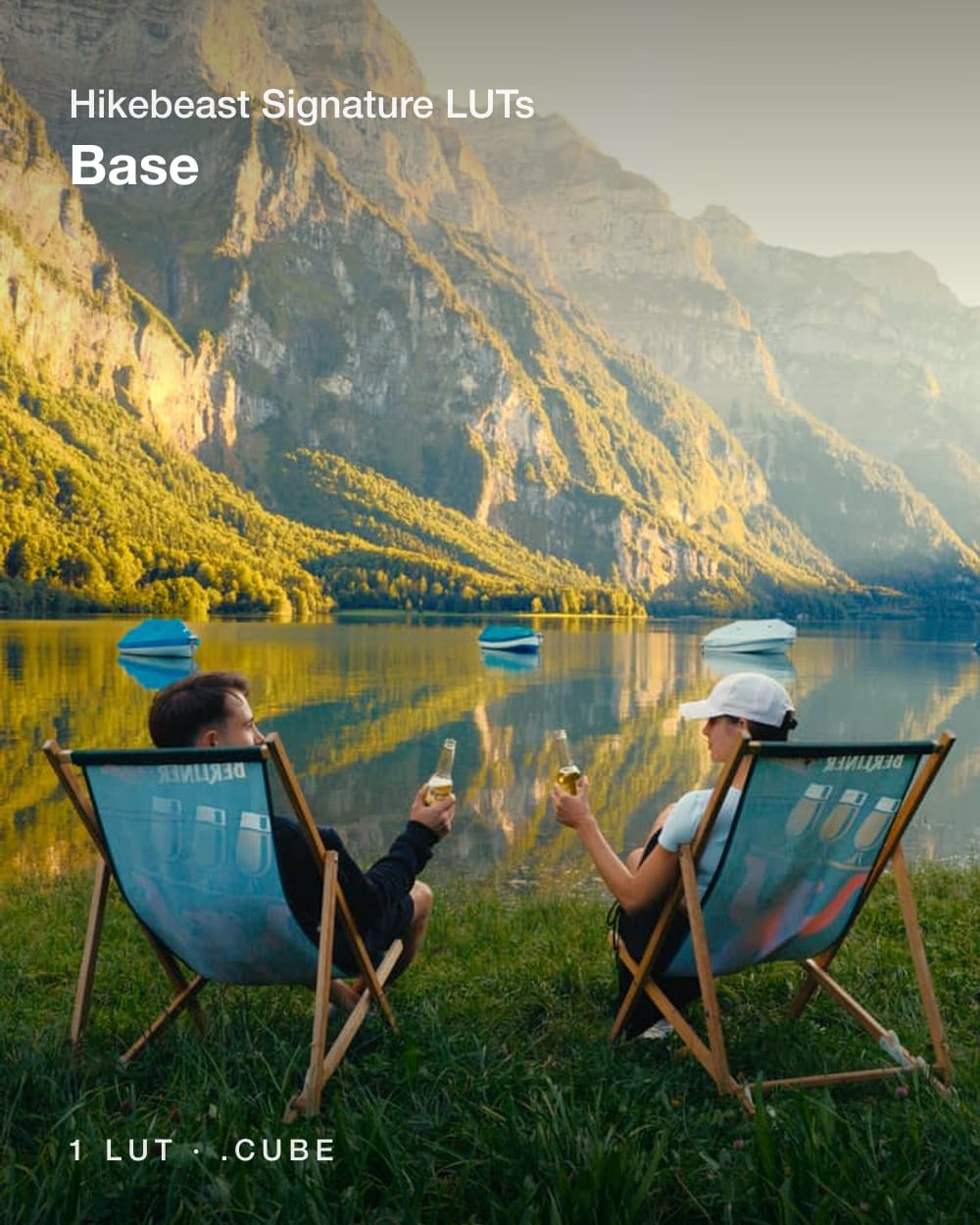
- My Base Signature LUT (sold for $19)
When I started, it took me more than 20 hours of research to find out all the exact settings I needed for HDR uploads.
Getting it to look punchy and consistent across my edit timeline, the exported file, and the Instagram upload was way more confusing than it should have been. But now I cracked the code - I think.
Btw: you need an HDR-capable monitor, a MacBook Pro for example, to properly edit HDR deliverables.
Nodetrees are a DaVinci Resolve feature:
The 9 color profiles
Apple Log
Apple HDR
Sony S-Log3
DJI D-Log
Canon Log 3
RED Log3G10
Blackmagic Gen 5
Universal · ARRI LogC3
Rec.709
Your profile isn't listed? It still works: apply the Universal version and set the CST input to your color space, a very small modification.
What is SDR / HDR?
The way your content is displayed on social media. SDR looks consistent across devices, HDR pushes the brighter, more vibrant colors. The two need very different workflows and settings. HDR is hard to fine-tune so the clips look the same in your editing timeline, on your phone and on social media, it took me dozens of hours to get right. And for editing HDR you want an HDR-capable monitor, a MacBook Pro for example, otherwise you have a hard time.
What's a Nodetree?
A saved DaVinci node tree. You drop it onto a clip in the Color page and every node is there, connected and named.